You have a specific change in mind.
Define the object or area to change, then list the details you will check afterward. A focused request is easier to judge than several unrelated changes at once.
 GPT Image 2.5
Start with an idea or an existing image. Use GPT Image 2.5 Sunburst to refine the composition, change specific elements, and work through detailed revisions.
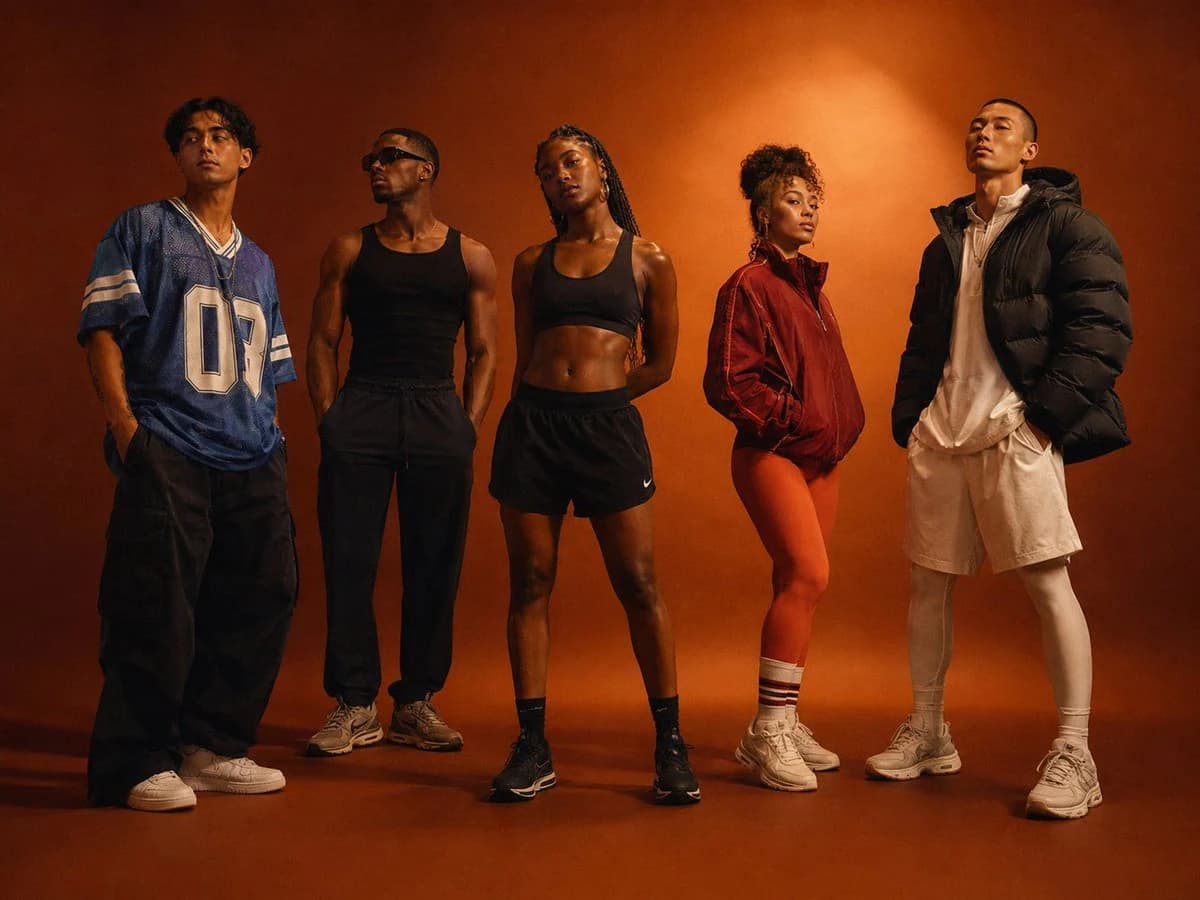
Premium cinematic group portrait of five diverse young adult athletes standing in a loose horizontal formation inside a warm burnt orange photography studio. Each person has a distinct fashion forward athletic identity and confident individual pose: one wearing an oversized blue sports jersey and wide leg trousers, one in a black tank top with dark relaxed pants and sunglasses, one female athlete in cropped black sportswear with braided hair, one woman wearing a warm red training jacket with bright leggings and striped socks, and one person in an oversized dark puffer jacket with pale athletic layers. Full body composition, subjects spaced naturally with subtle variations in stance and direction, modern multicultural fitness community, editorial streetwear meets performance fashion, dramatic warm spotlighting, deep floor shadows, soft red orange gradient background, cinematic fashion campaign photography, authentic skin texture, understated expressions, medium format camera aesthetic, rich film grain, no text, no logos, no watermark.
Your recent images
Sign in to create an image and see your recent work here.
GPT Image 2.5 Sunburst is OpenAI’s image generation and editing model for visual work where editing precision matters. It accepts text and image inputs.
Try the model, explore editing examples, and choose settings for your own brief. This is an independent creation service with its own credits.
Define the object or area to change, then list the details you will check afterward. A focused request is easier to judge than several unrelated changes at once.
Start from the image you want to develop. Decide what makes it useful—its framing, subject, or visual balance—before asking for a revision.
Explore interior photography, product scenes, information design, and illustration in these reference examples published by Picsart.
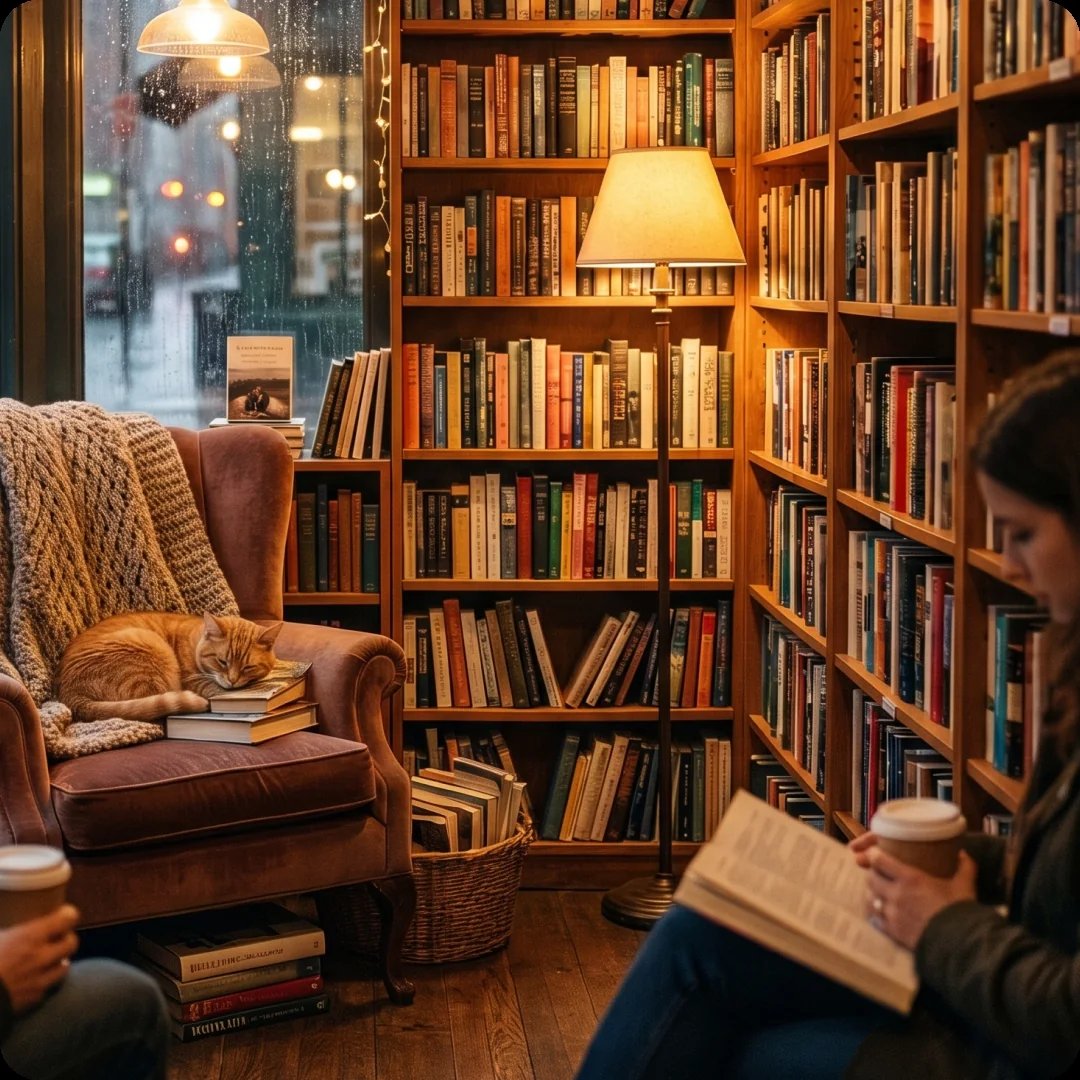
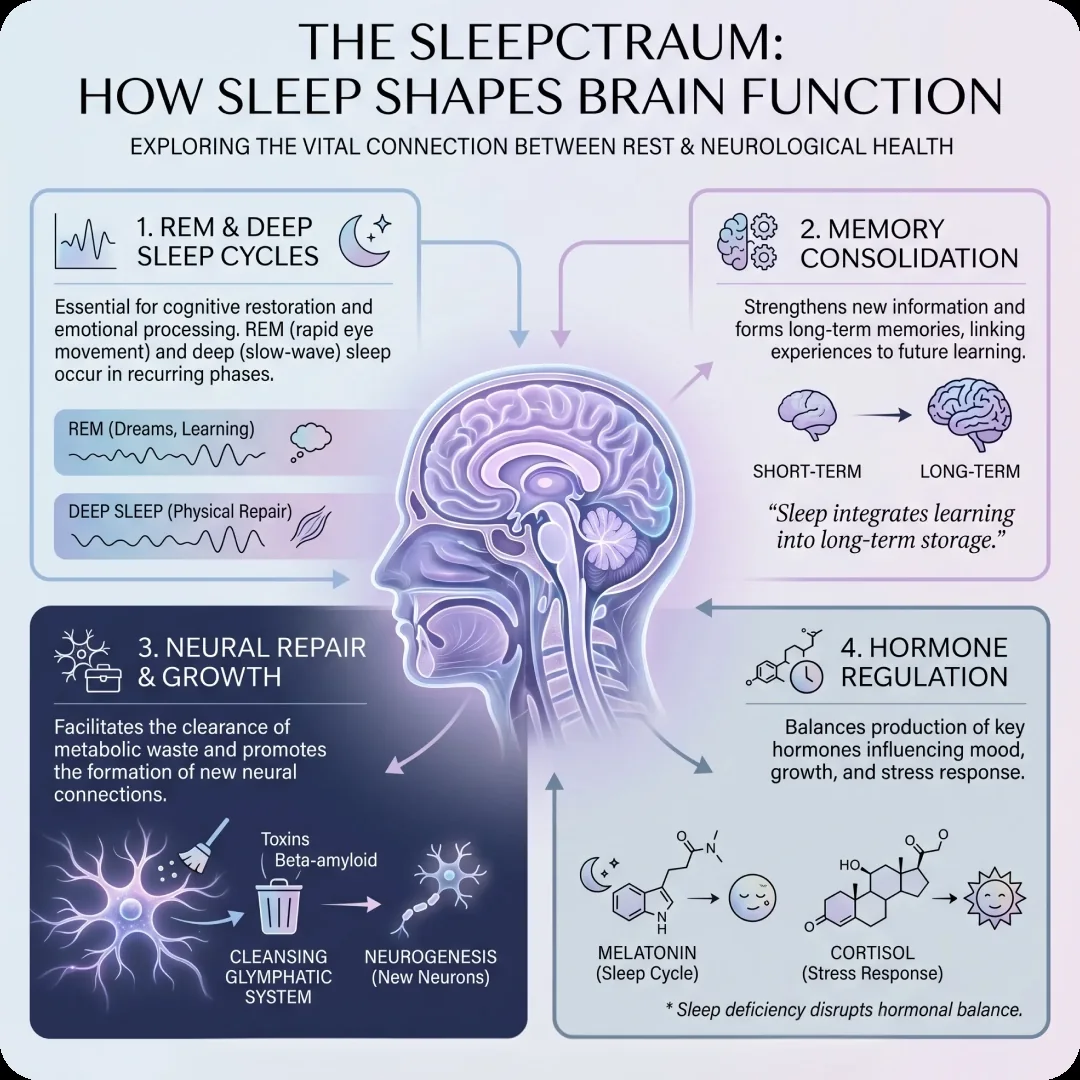
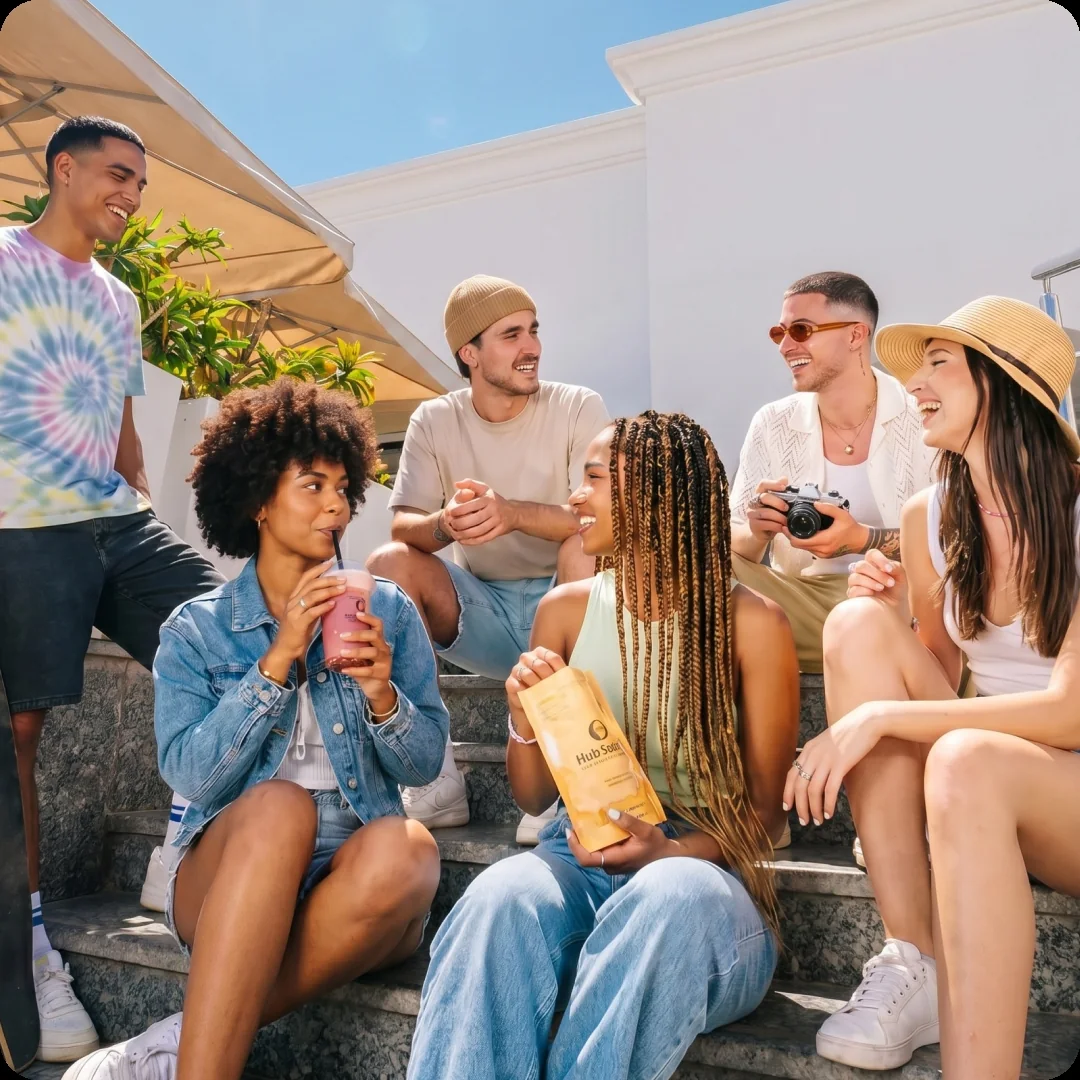
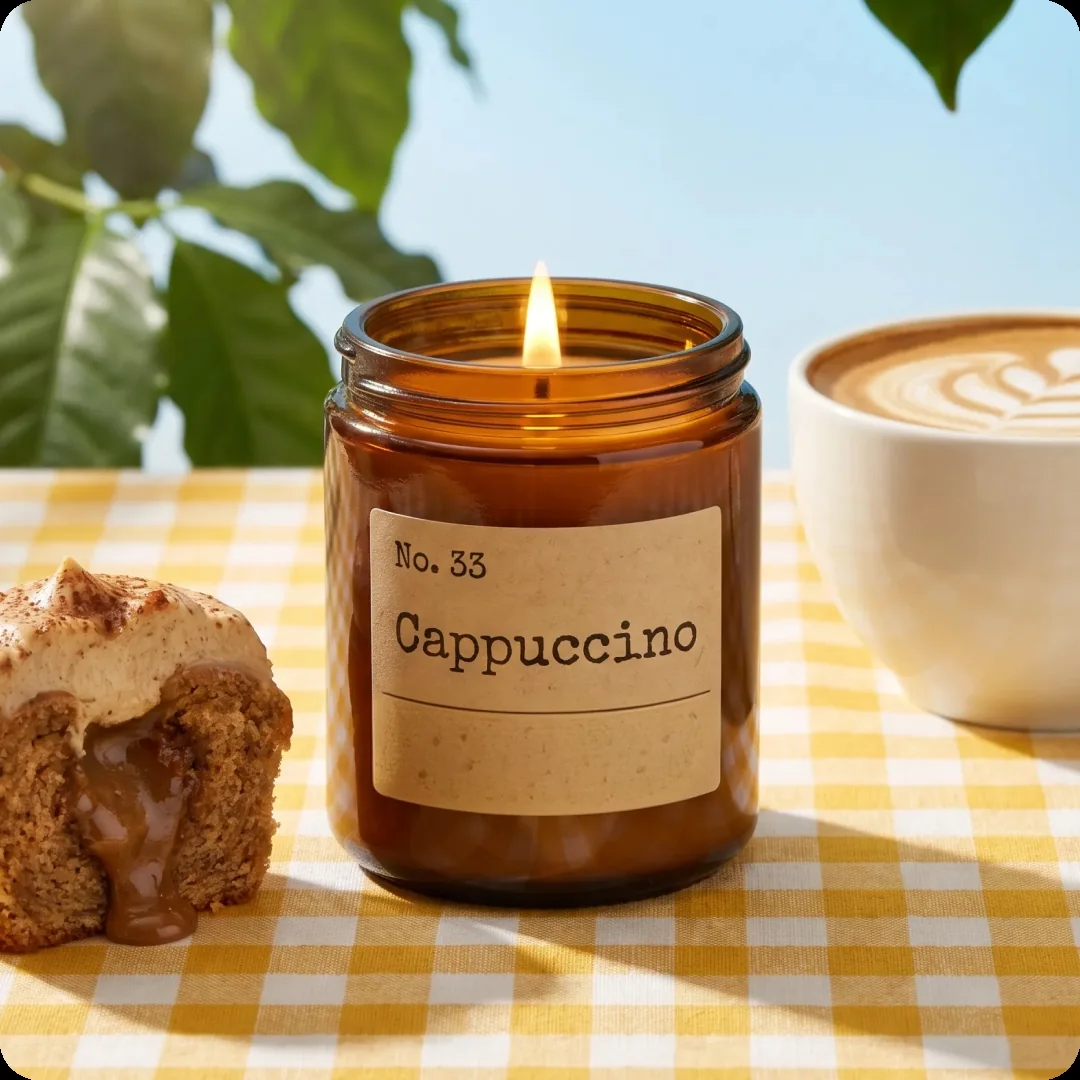
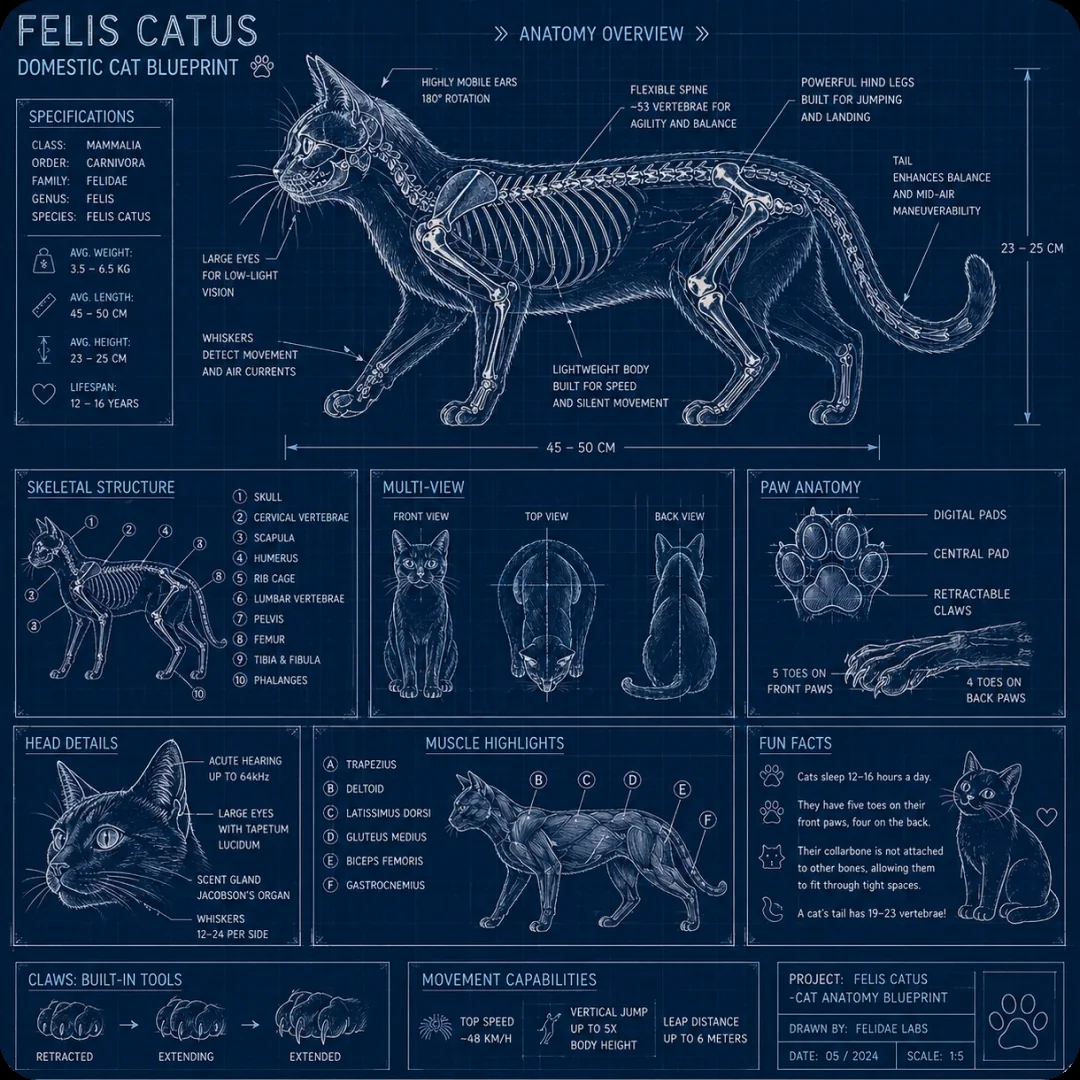
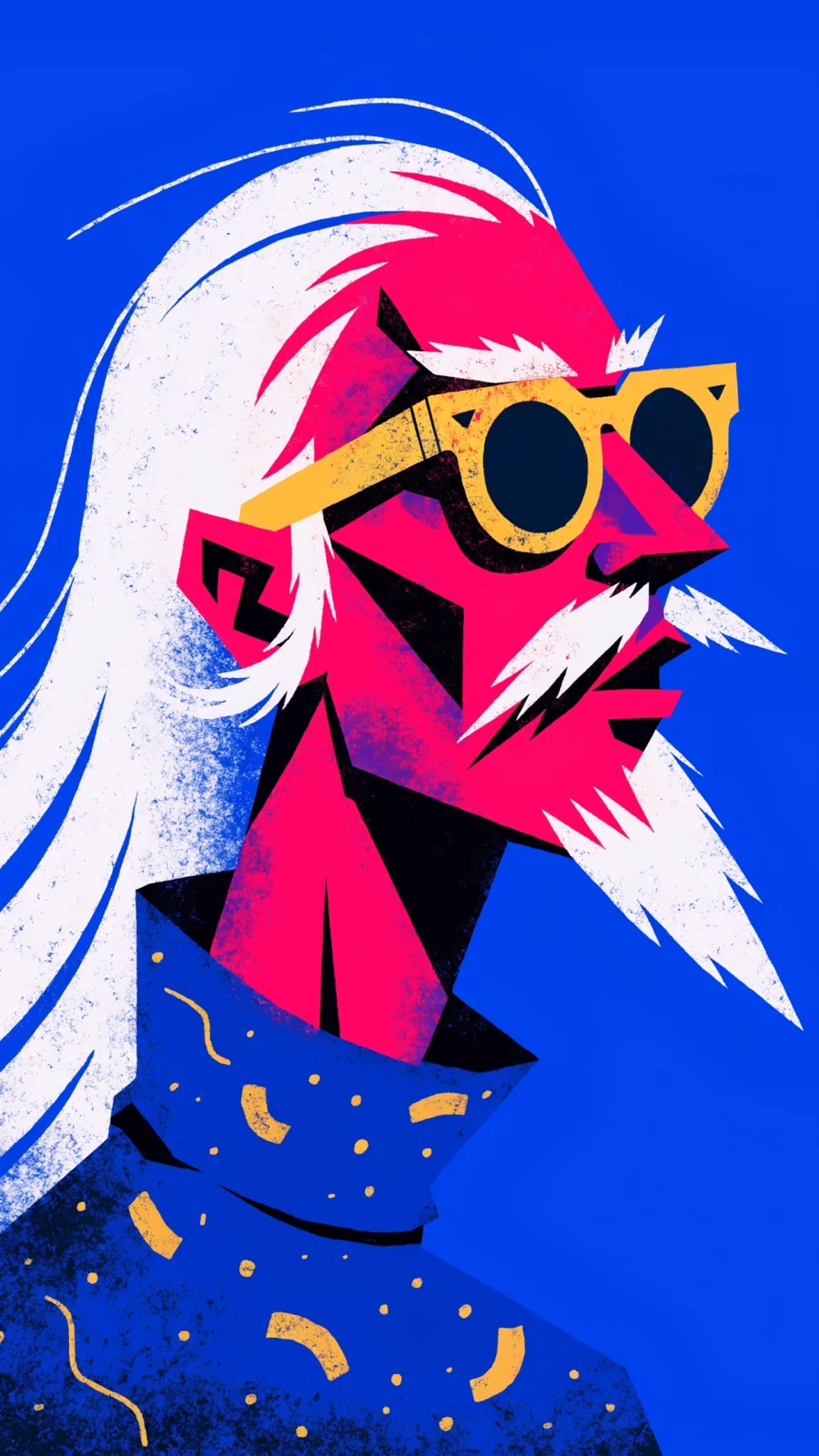
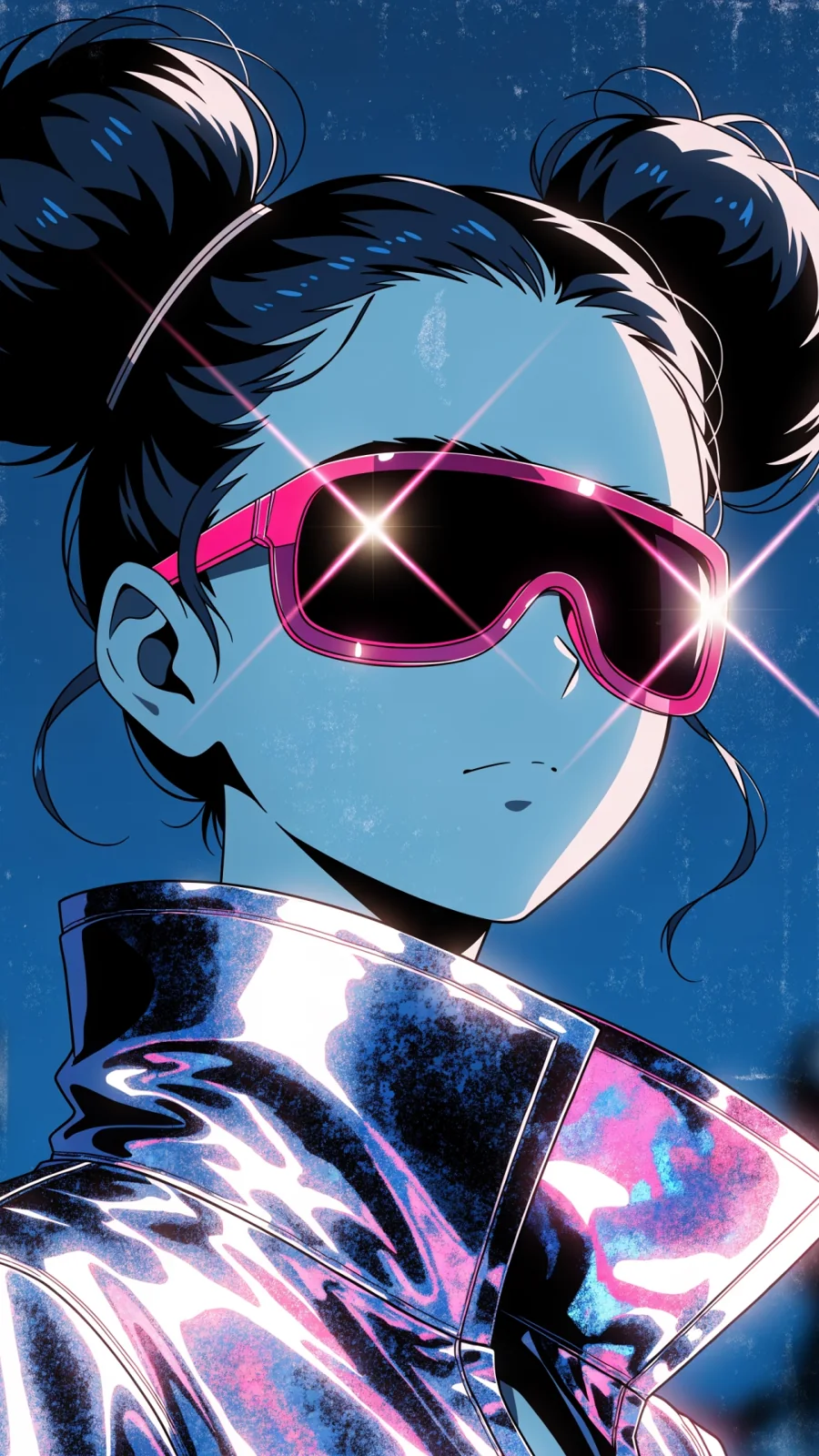
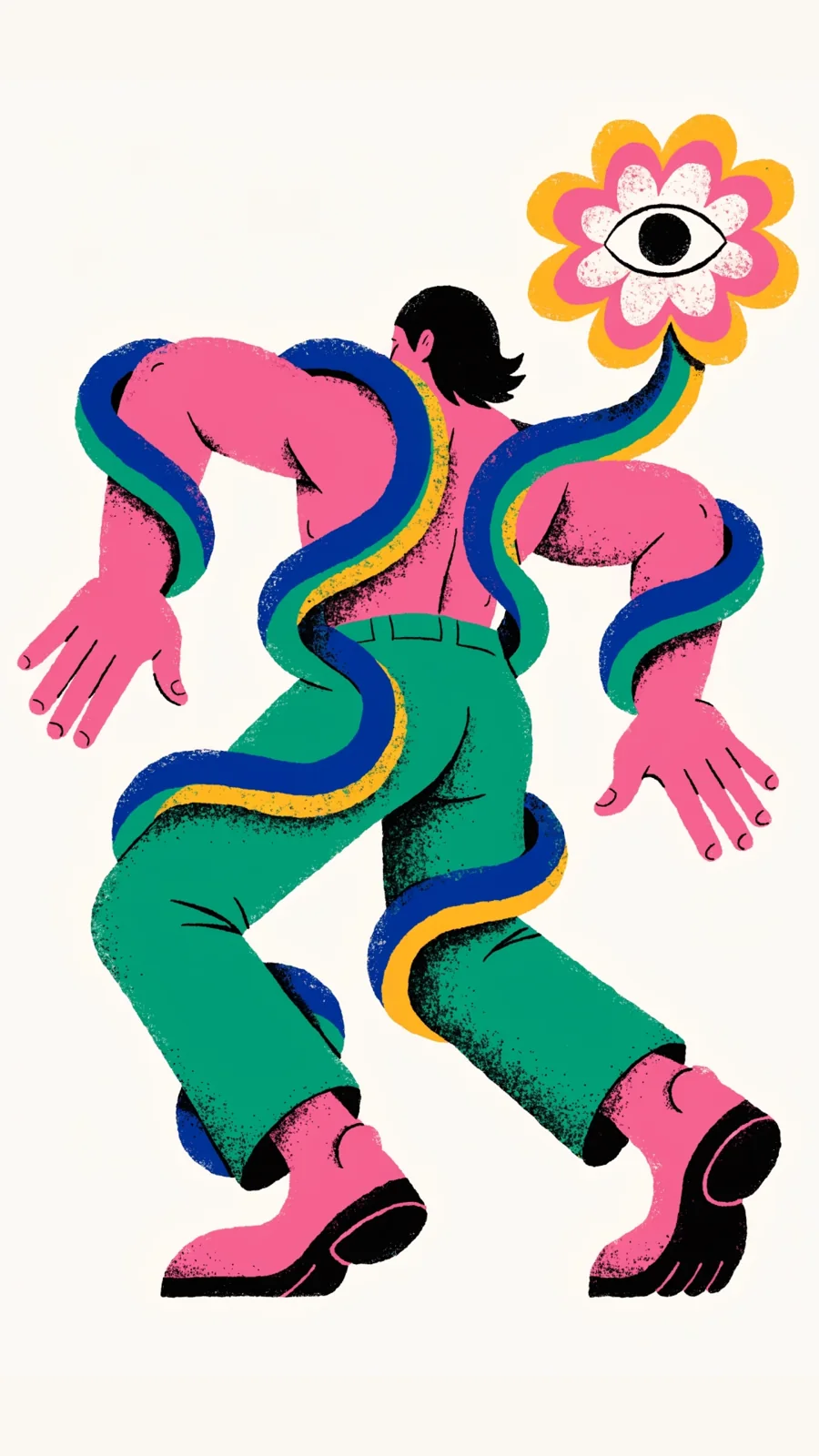
Reference gallery: Picsart Sunburst examples. These are third-party showcases, not test outputs from this website. Check small labels and factual content before using a generated diagram.
Look at the materials, lettering, and composition in each example. Use the visual idea as a starting point for a brief you can evaluate.
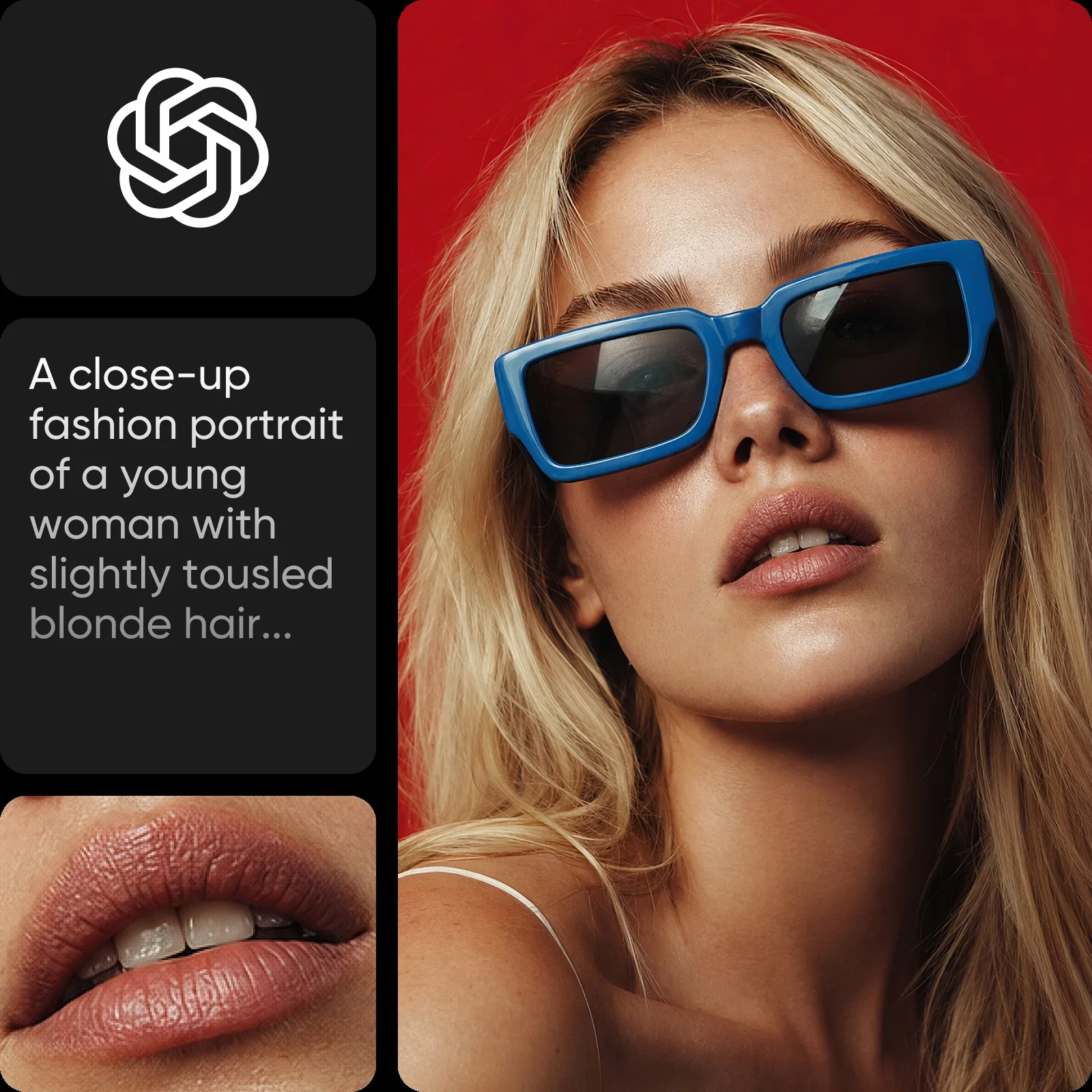
Look closely at skin texture, the edge of the sunglasses, and the direction of the light. This fashion example gives you several details to evaluate beyond the overall composition.
Create with Sunburst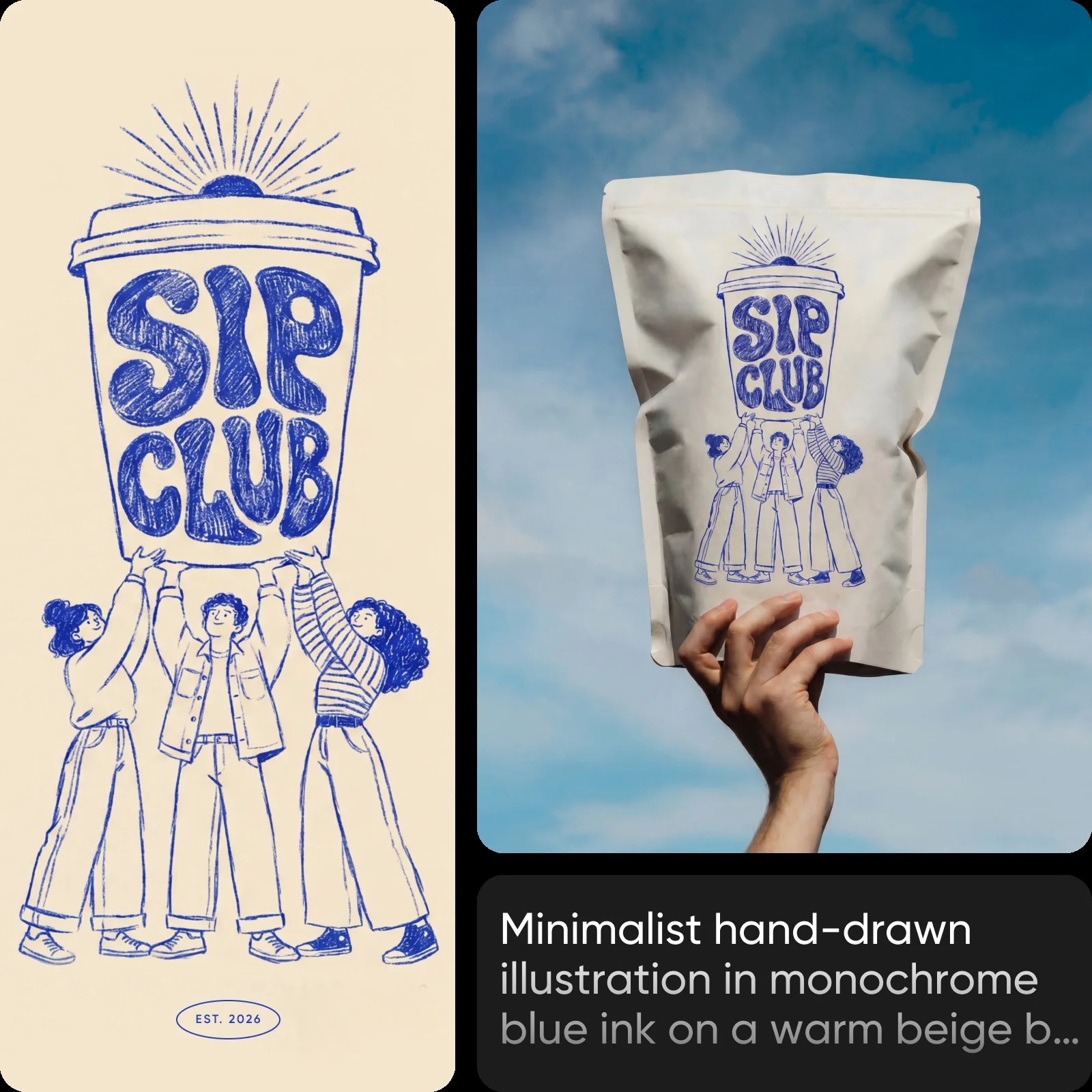
A blue hand-drawn illustration appears on a package held against the sky. Compare the lettering and linework between the design and the mockup, then check the folds, perspective, and material.
Create with Sunburst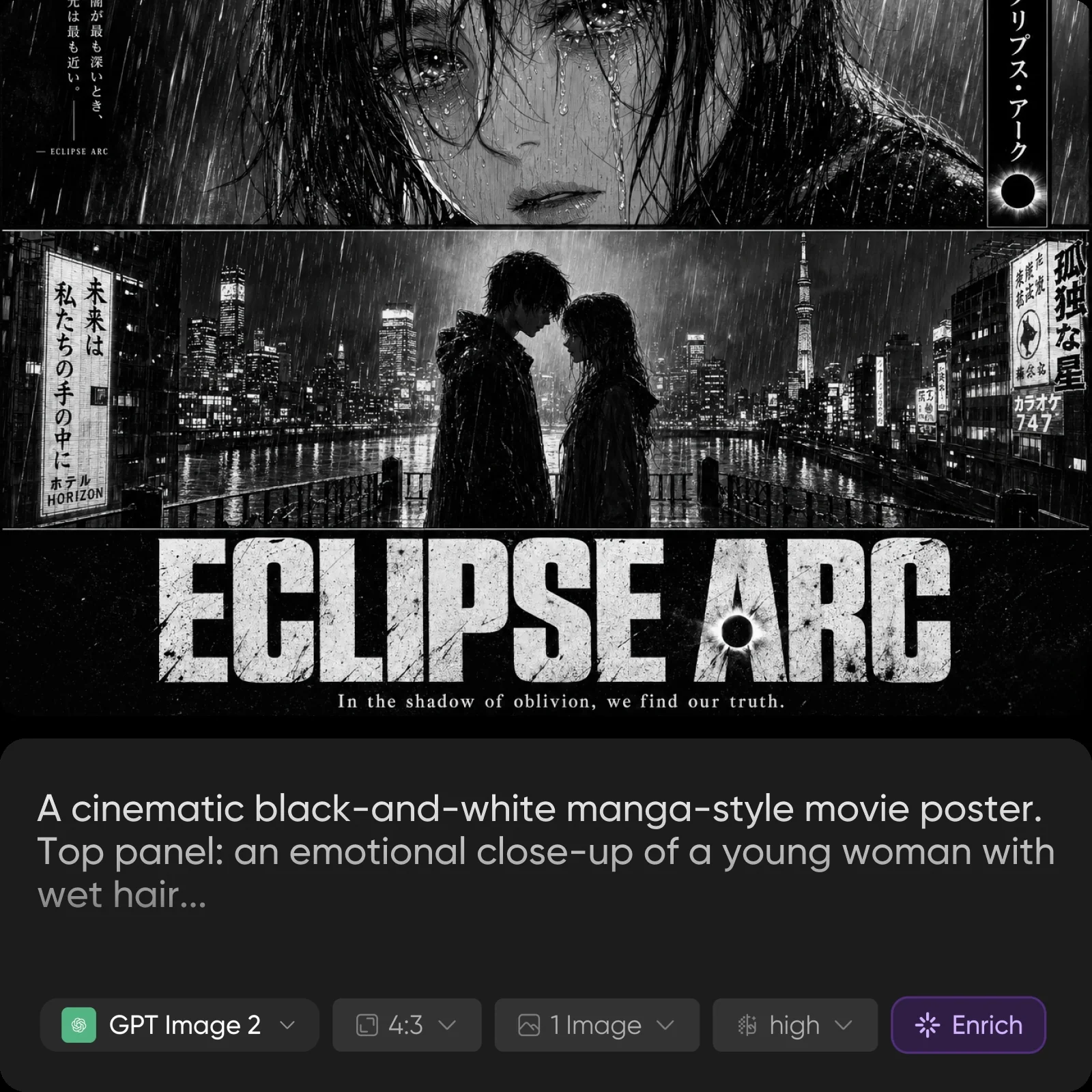
The manga-inspired composition combines character close-ups, a rainy city scene, and a large title. For your own poster, specify the panel order and exact headline, then review the lettering at full size.
Create with SunburstVisual examples above: Picsart. Embedded prompt excerpts and interface details belong to the source images.
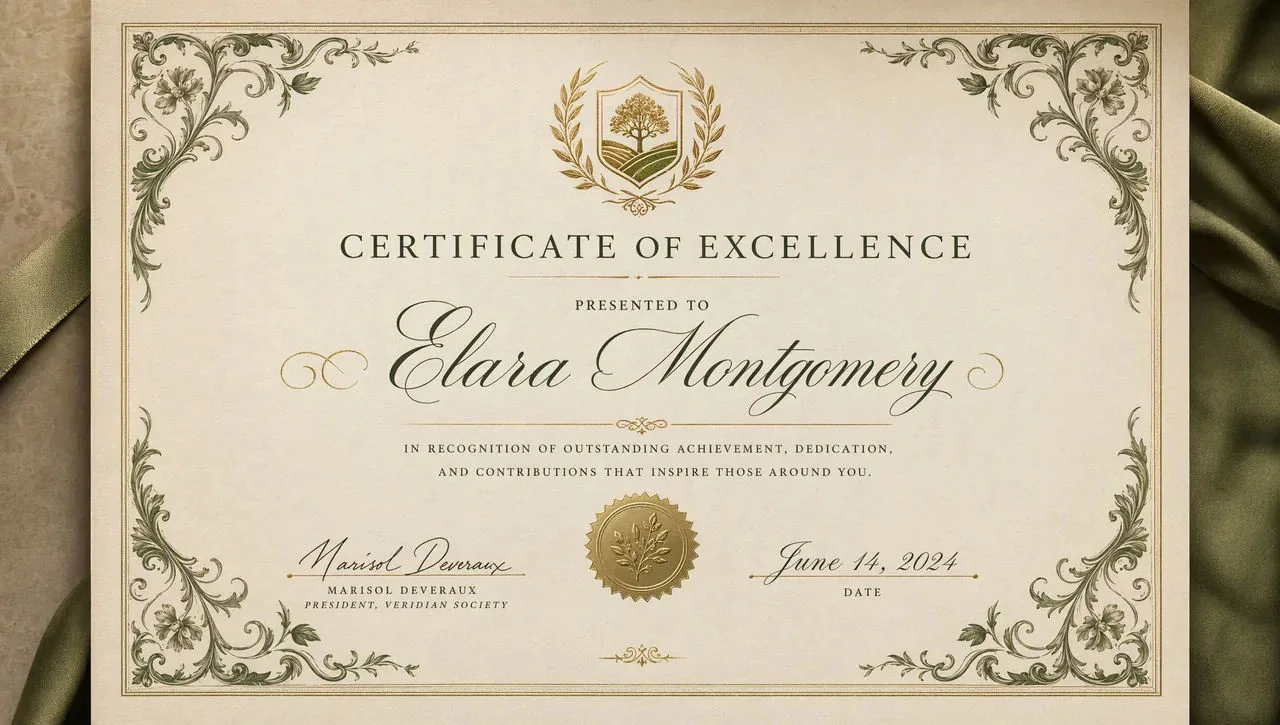
Try a label, map, layout, or illustrated sequence. Open any example in the Sunburst generator, then add your own wording and design requirements before generating.
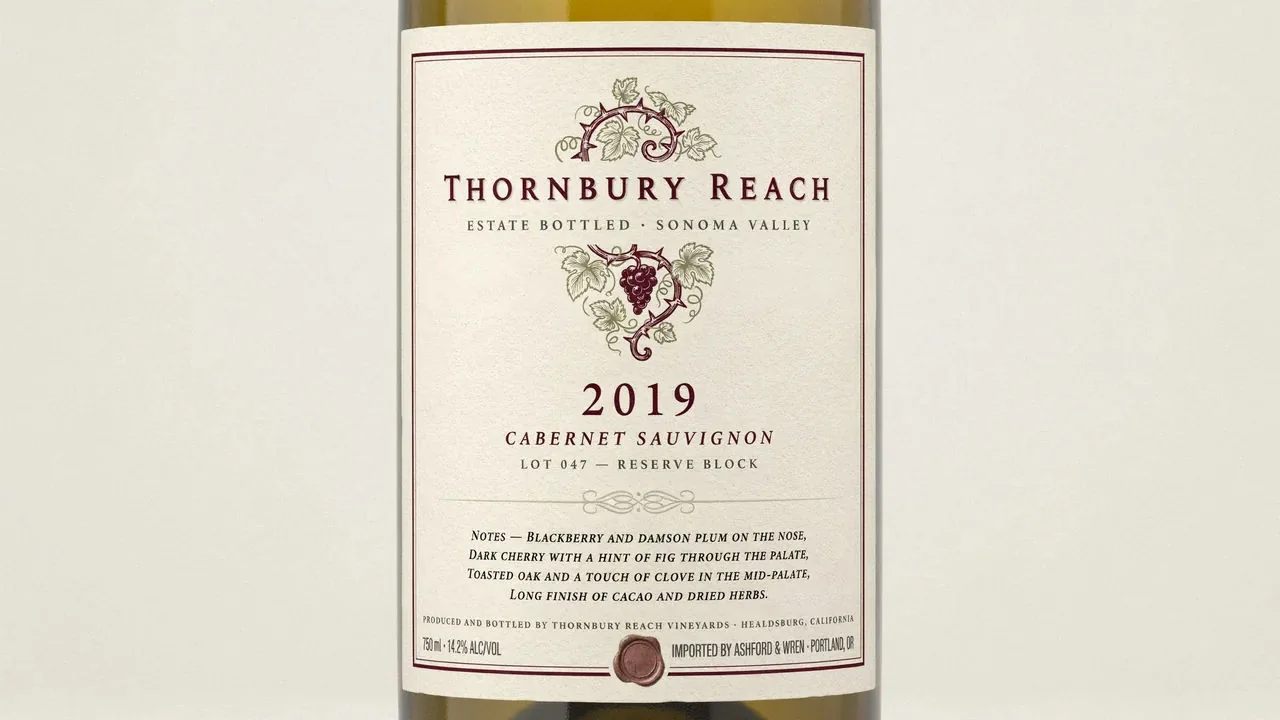
A wine bottle label, estate name, vintage year, and four lines of tasting notes
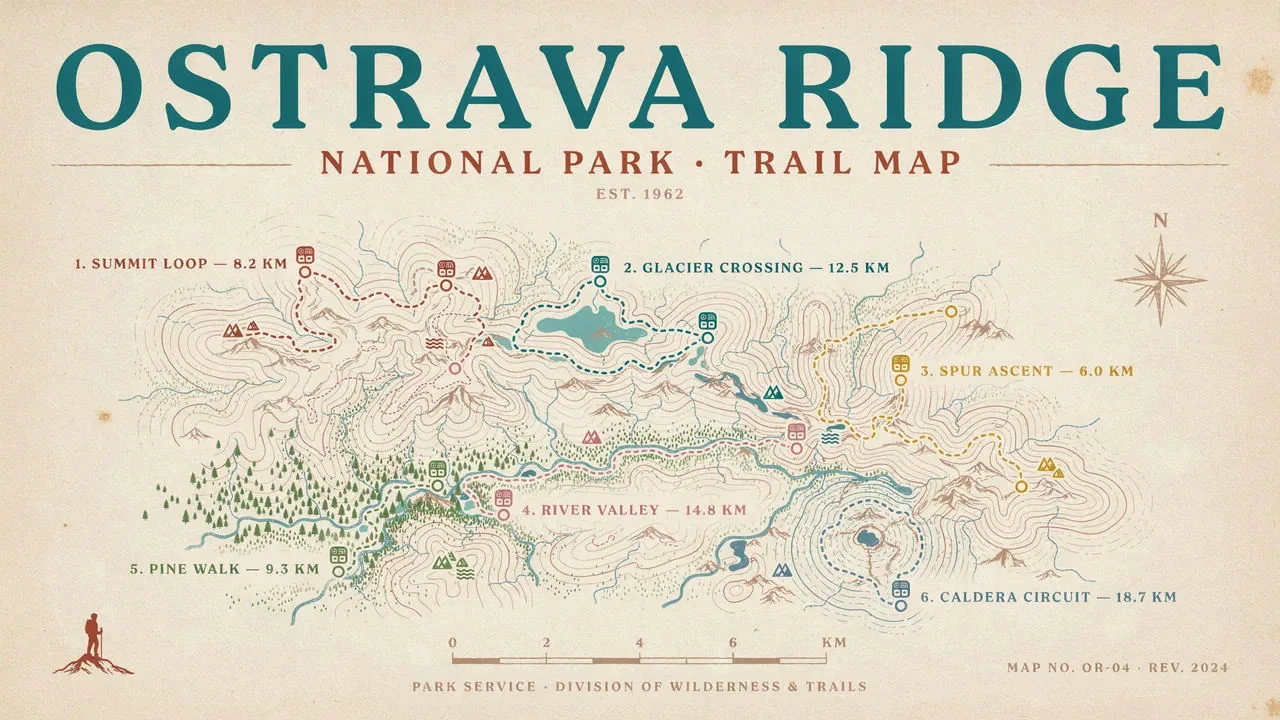
A national park trail map poster, six routes labelled with names and distances
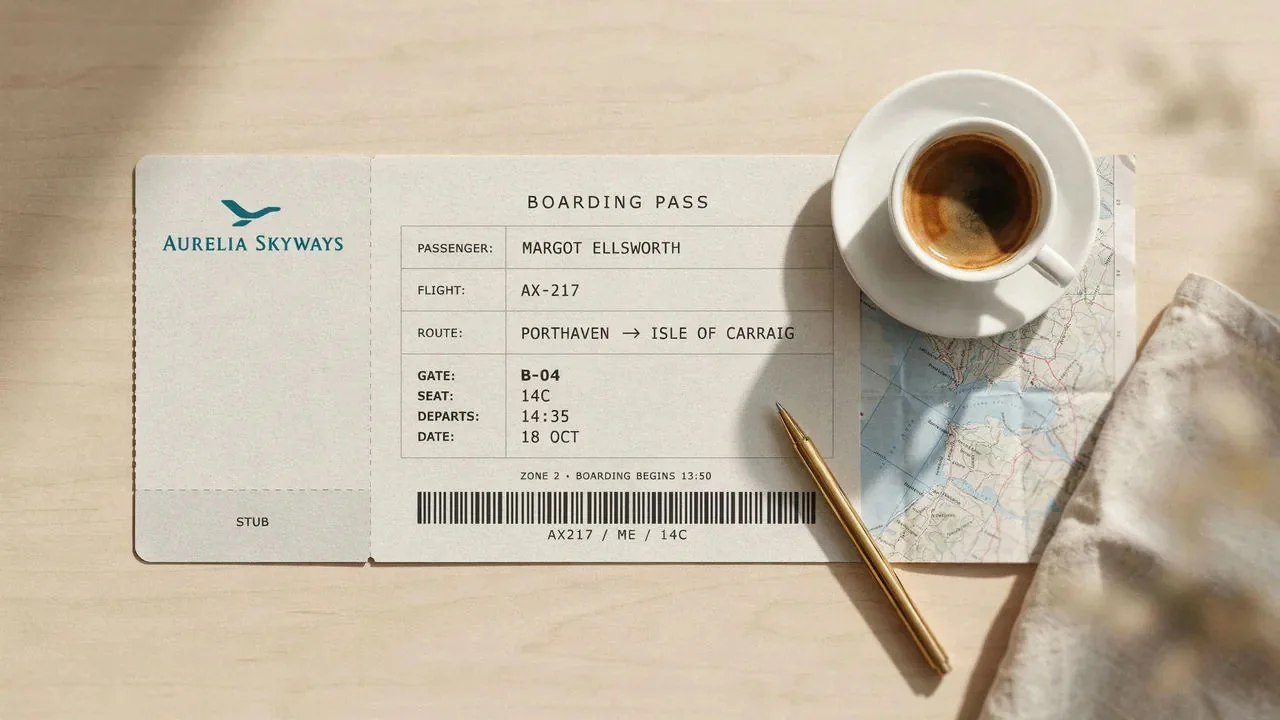
A boarding pass mockup, passenger, gate, seat and time legible in a clean grid
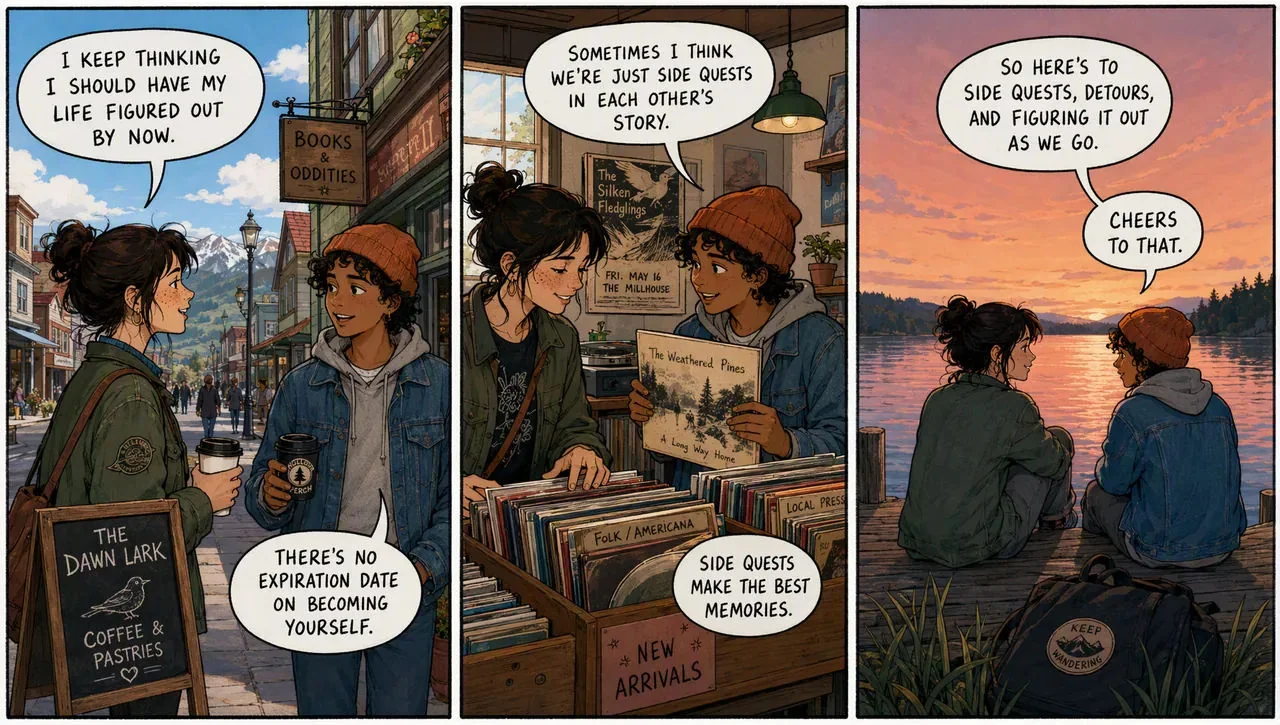
A three-panel comic strip with hand-lettered speech balloons, ink and flat color
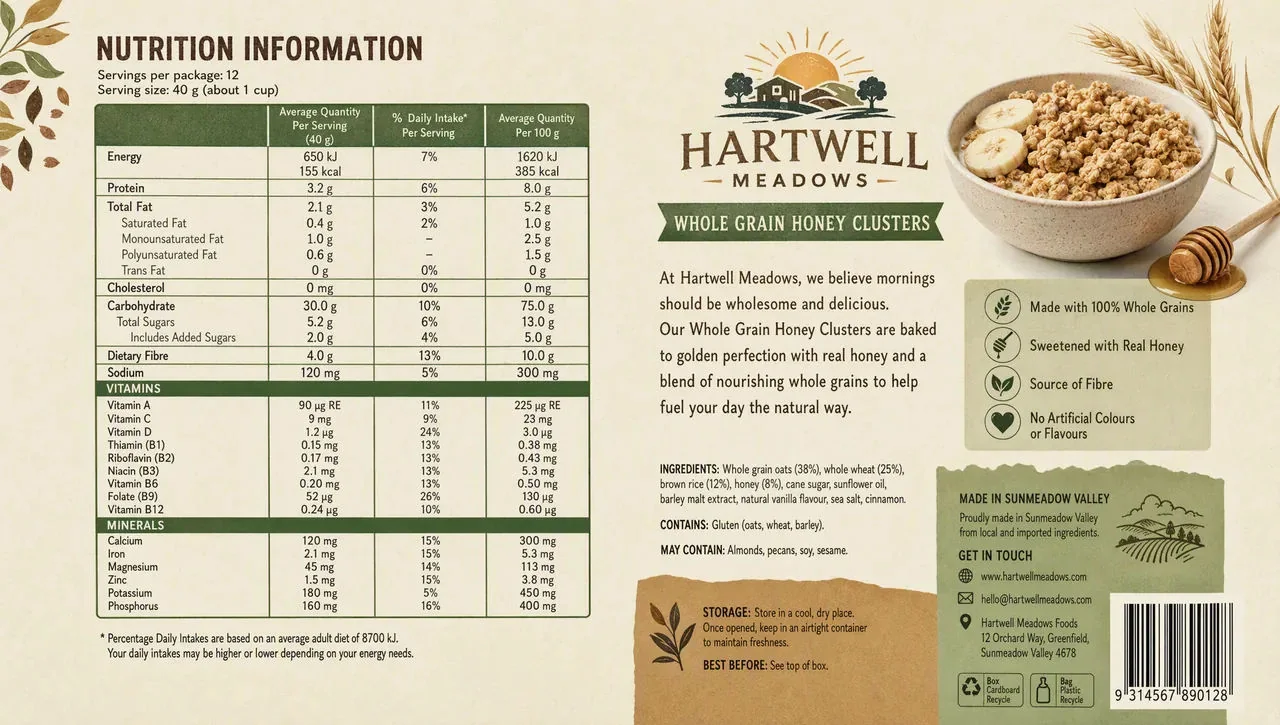
A cereal box back panel, a full nutrition table with every figure legible
Images and short prompts: Morphic GPT Image 2.5 examples. The source does not identify a model variant for these individual examples. Results from the prompts may differ. Verify names, numbers, and small text; the nutrition panel is a design concept, not approved packaging information.
For more detailed briefs, explore the prompt guide and e-commerce prompt examples.
Start with what you need to check. Use these suggested settings to explore a direction, inspect the details, or prepare a larger output.
Use a smaller first pass to assess framing and the main change. Decide whether the brief works before paying for a larger version.
Try this when the composition is settled. Examine edges, lettering, reflections, and any detail your project depends on.
Choose a larger canvas when your final layout calls for it. More pixels are useful for placement; they do not guarantee that every detail is correct.
Quality and resolution are separate controls. The generator shows your selected cost before submission. View all Sunburst credit costs.
One-time credit packs: Starter: 99 credits for $9.90 USD · Basic: 330 credits for $29.90 USD · Plus: 600 credits for $49.90 USD. No auto-renewal.
Choose a short acceptance checklist before you generate: the one change you need, the details you want to retain, and the output size your layout requires. Keep the first result that meets the brief.
If you are still exploring many directions, consider Flare. If you are refining a chosen direction, try Sunburst and inspect the result. Neither choice removes the need to review small text and important shapes.
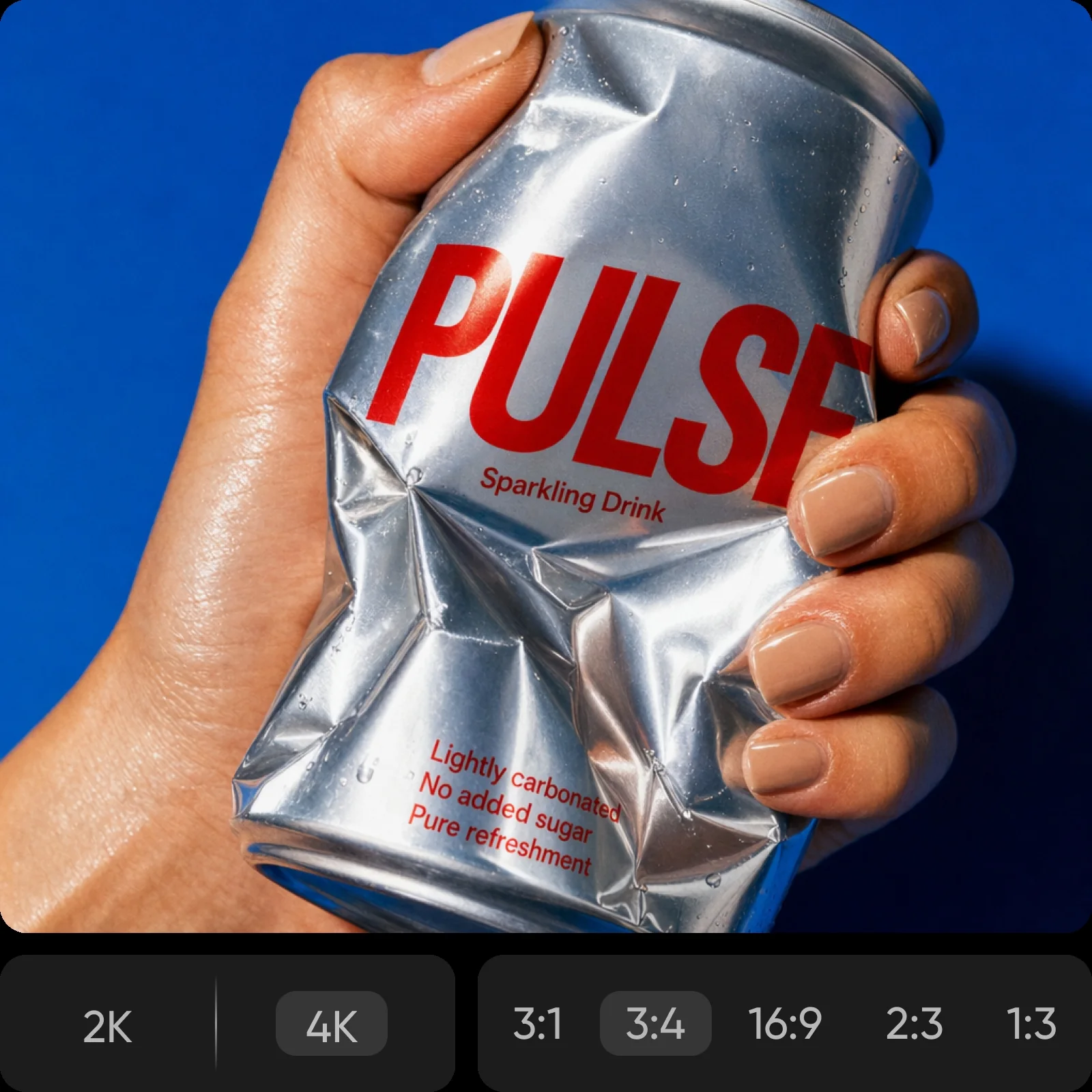
Product photography reference from Picsart. Inspect the printed lettering, can shape, reflections, and hand placement.
Sunburst is the precision-focused option in the GPT Image 2.5 family. It supports image generation and editing, with an emphasis on demanding creative work and control across revisions.
Consider Sunburst when you have a detailed brief and can allow more time for generation. For quick exploration, Flare may be the more practical starting point. Compare the result against your actual requirements rather than assuming either model always wins.
No. This page starts at Medium quality and 1K resolution. Try a first output, inspect the areas that matter, and raise the settings if the task calls for it. Max is an option, not a requirement.
Sunburst Medium / 1K uses 1 credit per image on this website. The cost changes with quality and resolution; 4K / Max uses 25 credits. Check the amount shown above Generate before submitting.
Do not assume so. Check important text, shapes, faces, and surrounding objects after an edit. For an exact logo or legally required product wording, retain the approved artwork and verify the final layout before use.
Start with one image and one clear change.
Create with Sunburst